Doodle Rocket!!
A downloadable game for Windows, macOS, Linux, and Android
Draw it. Build it. Fly it!
A beautiful rocket. A questionable blob. Something with far too many engines.
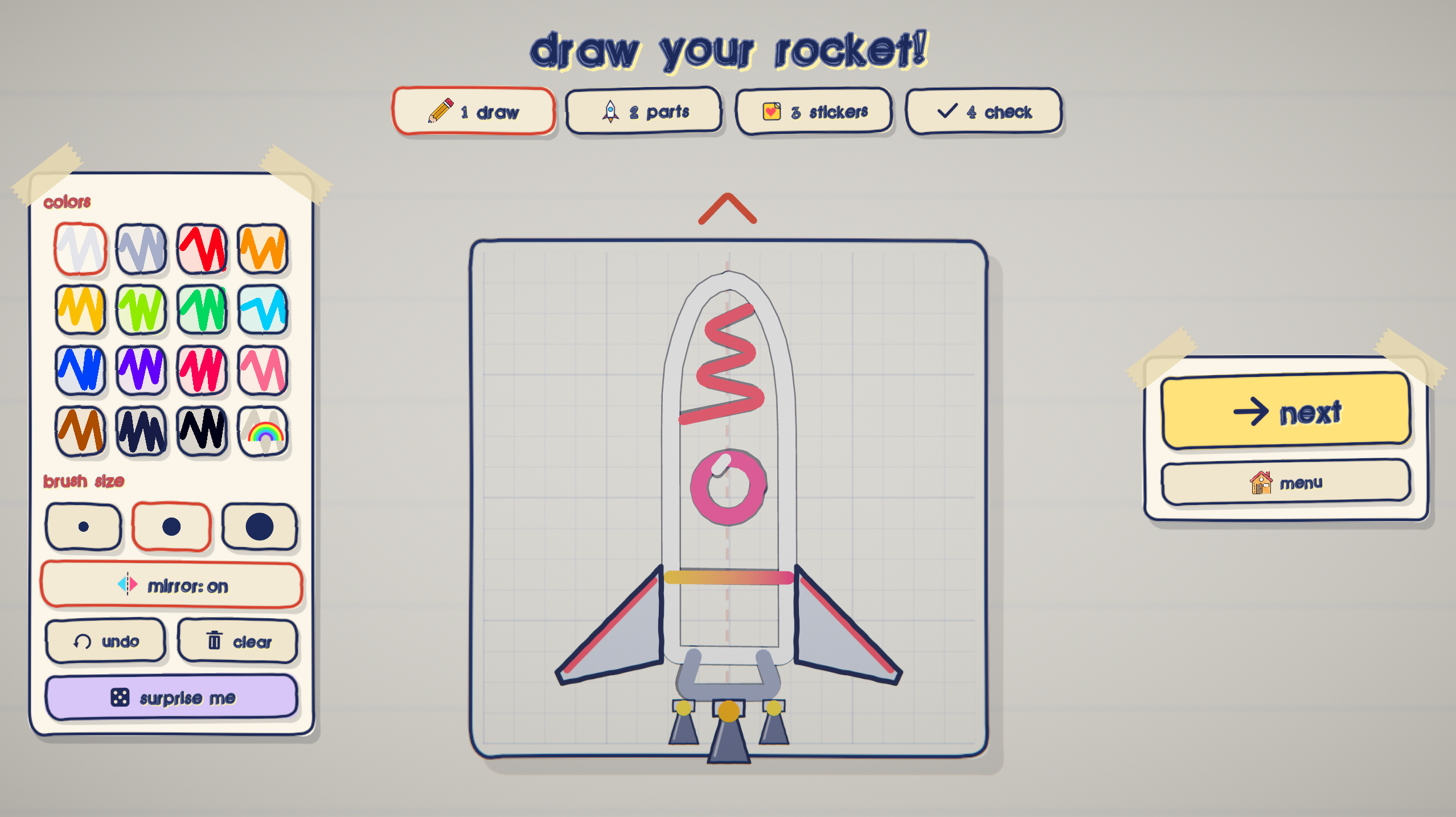
In Doodle Rocket, your drawing becomes your ride. Sketch a body, attach engines and wings, slap on some googly eyes, and send it flying. Your shape and part placement affect its weight, balance, and handling—so getting to the finish starts at the drawing board.
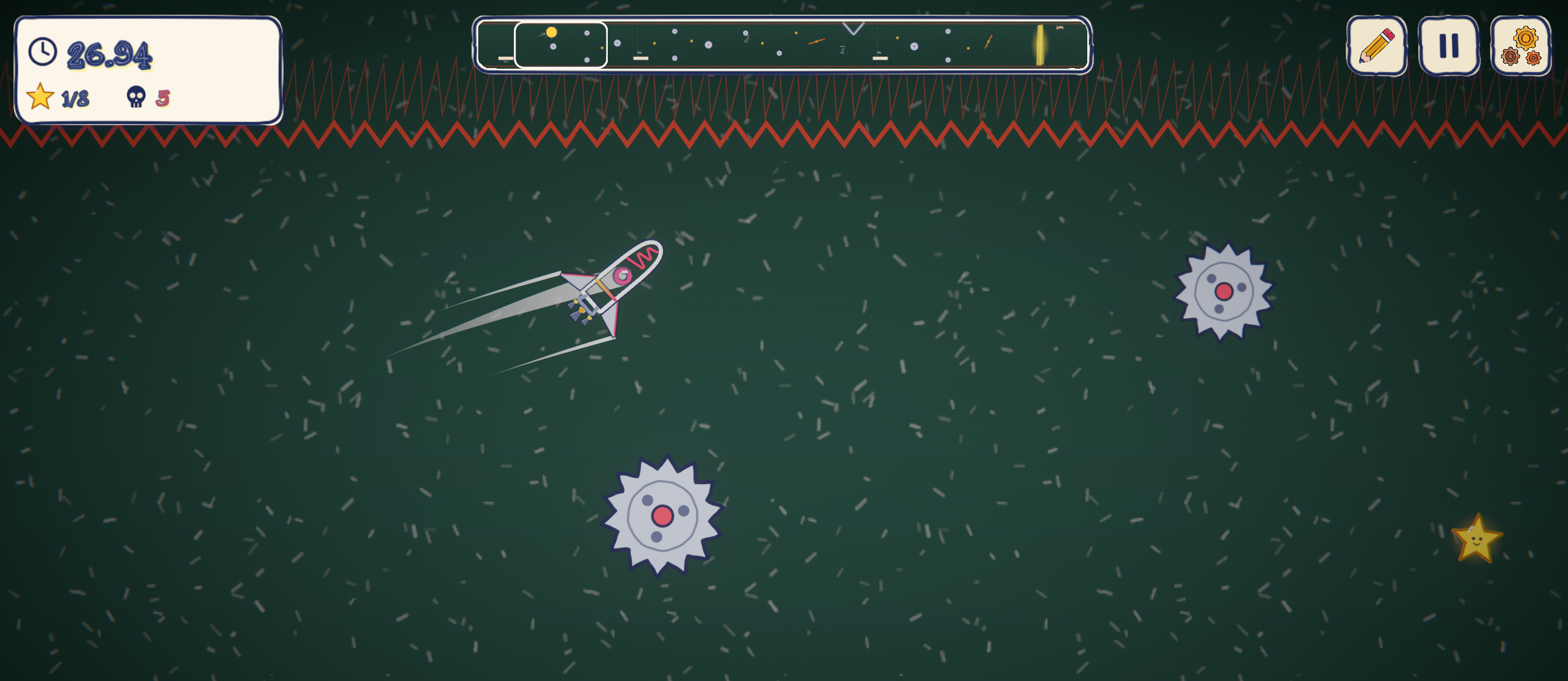
Dodge saws, squeeze through lasers, ride the wind, and fling yourself from rubber bands. And if a giant angry scribble starts eating the level behind you? Keep moving.
What’s inside
- Build a rocket that’s yours. Draw its body and experiment with parts to change how it flies.
- 16 built-in levels. Work your way from First Flight to Final Exam.
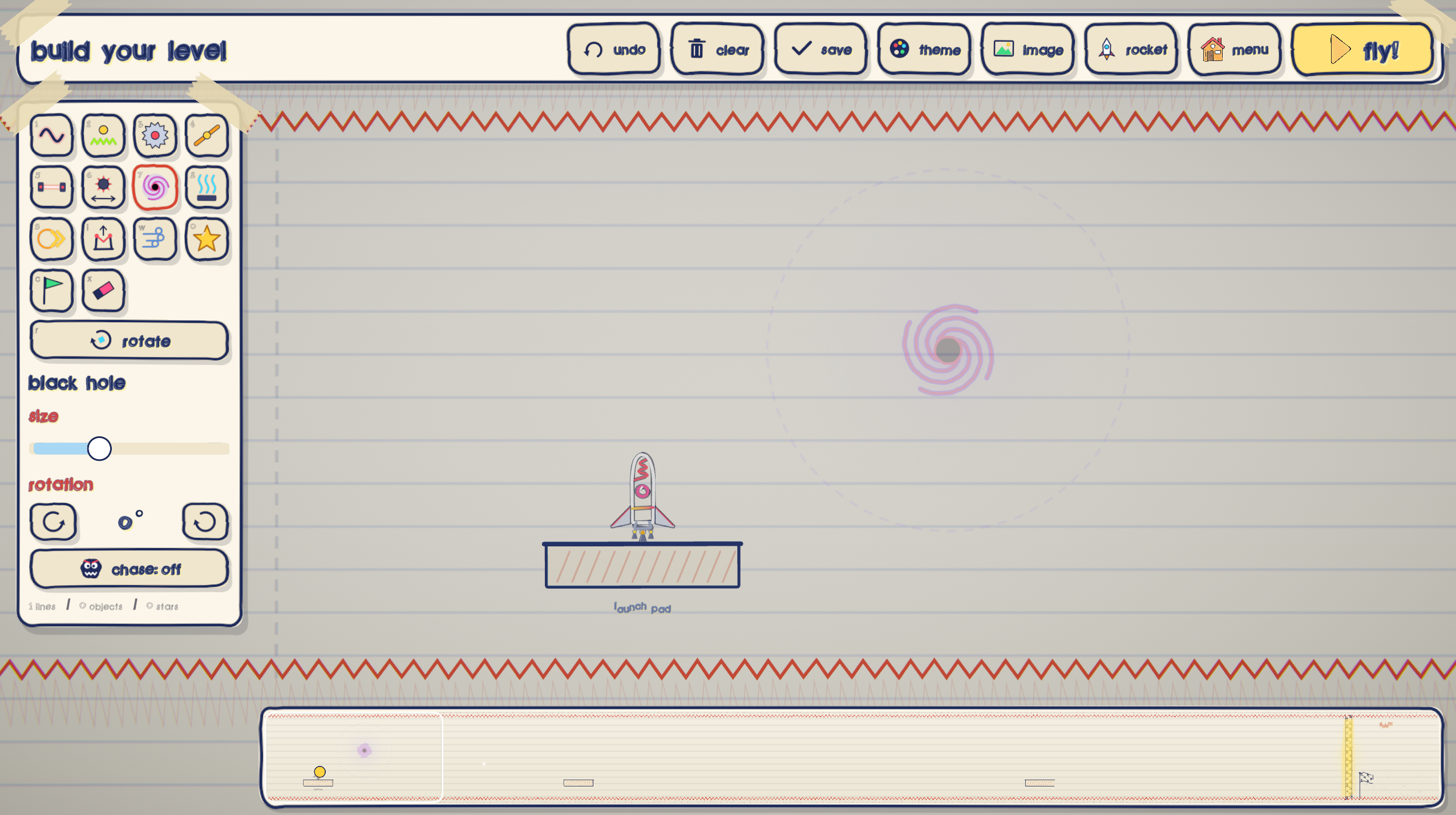
- Make your own courses. Draw walls and place hazards, boost rings, stars, and checkpoints in the level editor.
- Race your ghosts. Save runs and come back to beat your time.
- Unlock stickers and faces. Earn decorations by completing challenges—even crashing has its rewards.
- Escape the scribble monster. Stay ahead as it chews through the page.
How to play
Build your rocket in the workshop, pick a course, and head for the finish. Collect stars along the way, experiment with your design, and try again when things go sideways.
Made by Axody & KoroDevv
Found a bug or built a wonderfully terrible rocket? Tell me in the comments.
Download
Install instructions
Windows
- Download and extract the ZIP file.
- Open the extracted folder and run
DOODLEROCKET.exe. - Keep all included files together—the game won’t work if you move the EXE out on its own.
Linux
- Download and extract the Linux archive.
- Allow
DOODLEROCKET.x86_64to run as a program in its file properties. - Run it from the extracted folder.
macOS (for a native Mac build)
- Download and extract the macOS ZIP file.
- Drag Doodle Rocket.app into your Applications folder.
- Double-click it to launch.
Android
- Download the APK and open it.
- If prompted, allow your browser or file manager to install apps from this source.
- Tap Install, then open Doodle Rocket.
Development log
- Minor bug fixes + MacOS support18 days ago
Comments
Log in with itch.io to leave a comment.
game gud